Simultaneous capture
Front and back cameras at once via CameraX concurrent camera and AVCaptureMultiCamSession.
Record the front and back cameras at the same time, composited live on the GPU into a single portrait .mp4 and photo, with a real-time preview. The BeReal / Snapchat dual capture, as a proper open-source plugin.
$ flutter pub add dual_cameras
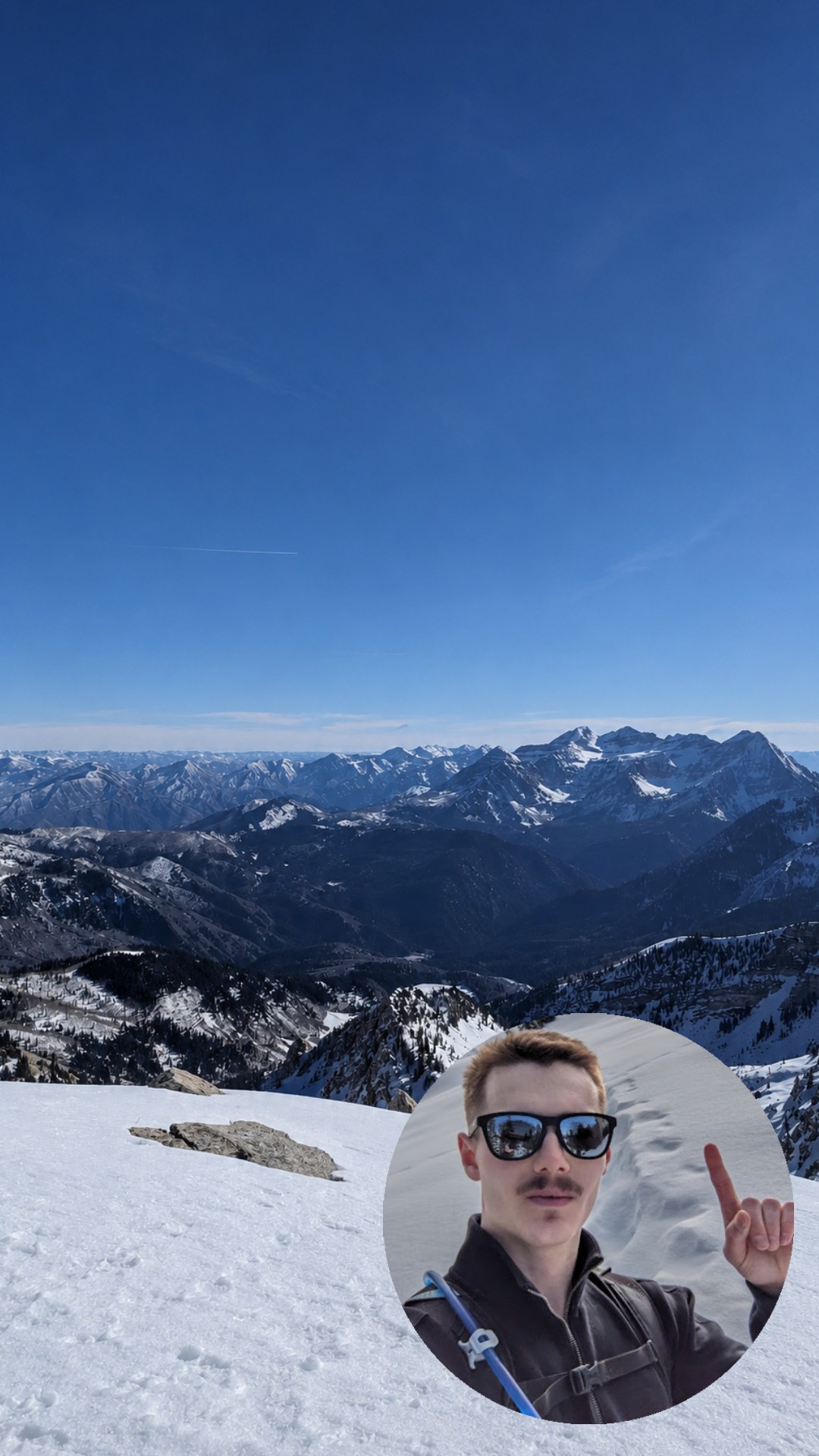
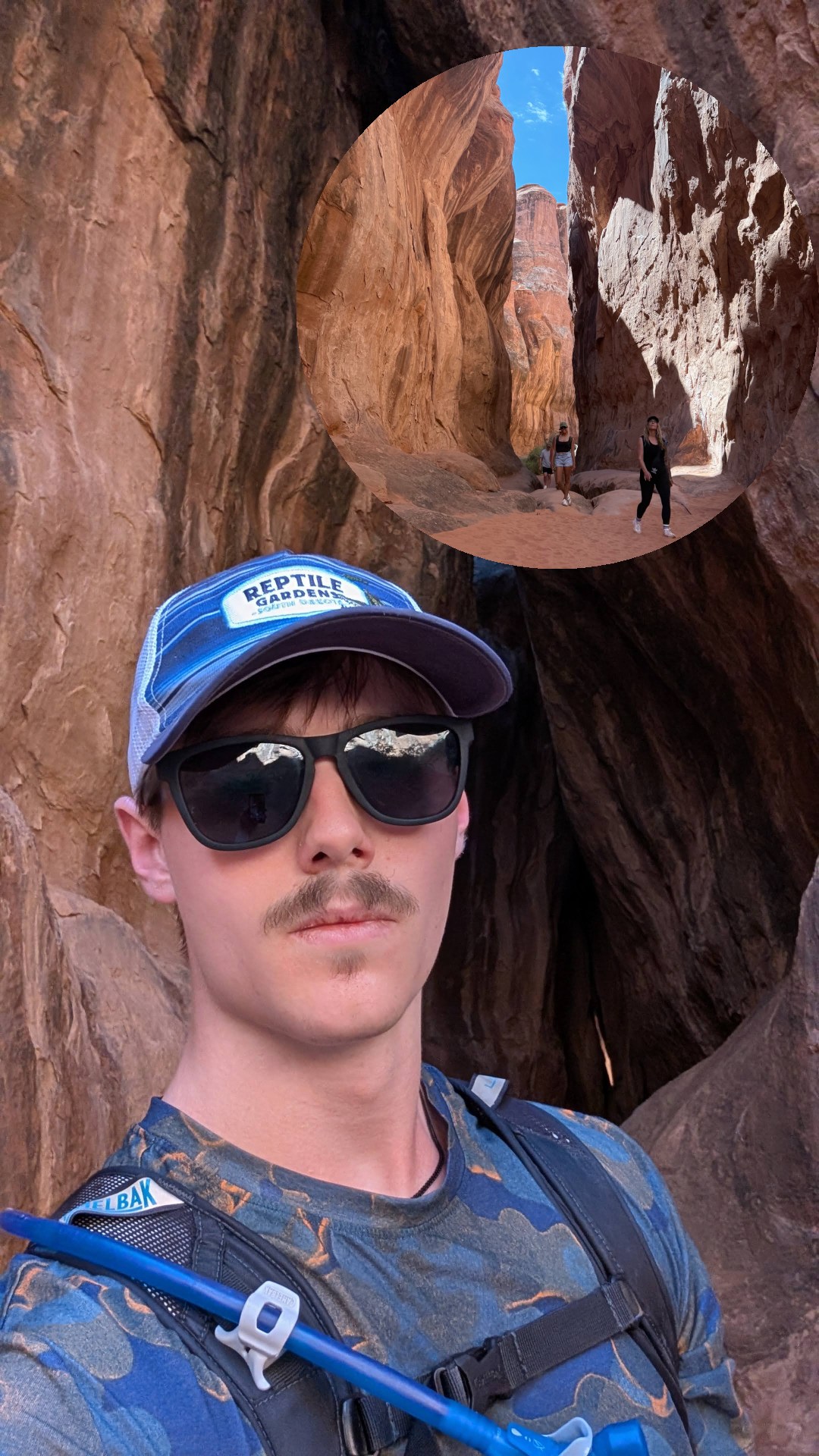
As of mid-2026, no Flutter plugin records a composited dual-camera video. The OS APIs can do it, but every Flutter package stops at preview or single-camera capture. This one owns the native compositor and emits one clean file.
| Flutter plugin | Dual preview | Both photos | Composited video |
|---|---|---|---|
| camera | ✕ | ✕ | ✕ |
| camerawesome | ✓ | unmerged | ✕ |
| multicamera | ✓ | ✓ | ✕ |
| dual_cameras | ✓ | ✓ | ✓ |
A single GPU compositor drives the preview, the recording, and the photo, so what you see is exactly what gets written.
Front and back cameras at once via CameraX concurrent camera and AVCaptureMultiCamSession.
Composite once per frame, fan out to encoder + preview + photo. Recorded and previewed pixels can’t drift.
Picture-in-picture with a rounded or circular inset, or a clean split. Swap the full-frame lens live.
The preview is the same composited texture you record, letterboxed to the real 9:16 output, never stretched.
Mic audio muxed on one monotonic clock with the video, so lips match across long clips with no post-merge.
Probes for true concurrency first and degrades to single-camera cleanly, so the fallback is built in, not bolted on.
One controller, one preview widget, one layout resolver shared across platforms. The hard parts (concurrency, compositing, muxing, A/V sync) stay native and out of your way.
final cam = DualCameraController();
await cam.initialize(
  layout: DualLayout.pictureInPicture(
    primary: CameraLens.back,
    circleInset: true,
  ),
);

// preview == the recorded pixels
DualCameraPreview(cam);

await cam.startRecording();
cam.swapPrimary();              // flip lens, live
final clip  = await cam.stopRecording();  // one .mp4
final photo = await cam.takePhoto();      // one still
Concurrent dual-camera is hardware-gated. The plugin says so up front and handles it.

CameraX concurrent → GLES compositor → MediaCodec / MediaMuxer. Verified end-to-end on a Pixel 8: composited .mp4 + photo, in-sync audio, live preview. ≤720p per the concurrent-camera cap.

AVCaptureMultiCamSession → Metal compositor → AVAssetWriter. Running on a real iPhone: live composited dual preview, shader rotate-upright + aspect-cover, rounded/circle PiP, and hardwareCost-gated ≤720p formats. A12+ / iOS 13+. Long-clip A/V-sync verification in progress.
Not with the official camera plugin. Dual Cameras is the open-source Flutter plugin that does it: it owns a native GPU compositor (GLES on Android, Metal on iOS) and writes both feeds into a single composited portrait MP4 and photo.
Dual Cameras (package dual_cameras) is an open-source Flutter plugin by Roman Slack that records the front and back cameras simultaneously, composited live on the GPU into one portrait MP4 and photo with a real-time preview. It supports picture-in-picture, circle inset, and split layouts on Android and iOS.
It is hardware-gated. Android needs concurrent-camera support (capped around 720p, e.g. Pixel 6 and newer or Galaxy S22 and newer). iOS needs an A12 chip or newer on iOS 13+ (iPhone XS and newer). The plugin probes for support and falls back to single-camera capture when concurrency is unavailable.
Run flutter pub add dual_cameras, add camera and microphone permissions in the host app, then use DualCameraController to initialize, preview, record, and take photos.
Yes. Dual Cameras is MIT licensed and open source, built and maintained by Roman Slack.